Volume and mute go to the television itself, not to the Apple TV, so they reach whatever the television is driving: a soundbar, a receiver, or its own speakers.
One remote for the Apple TV and the TV it is plugged into.
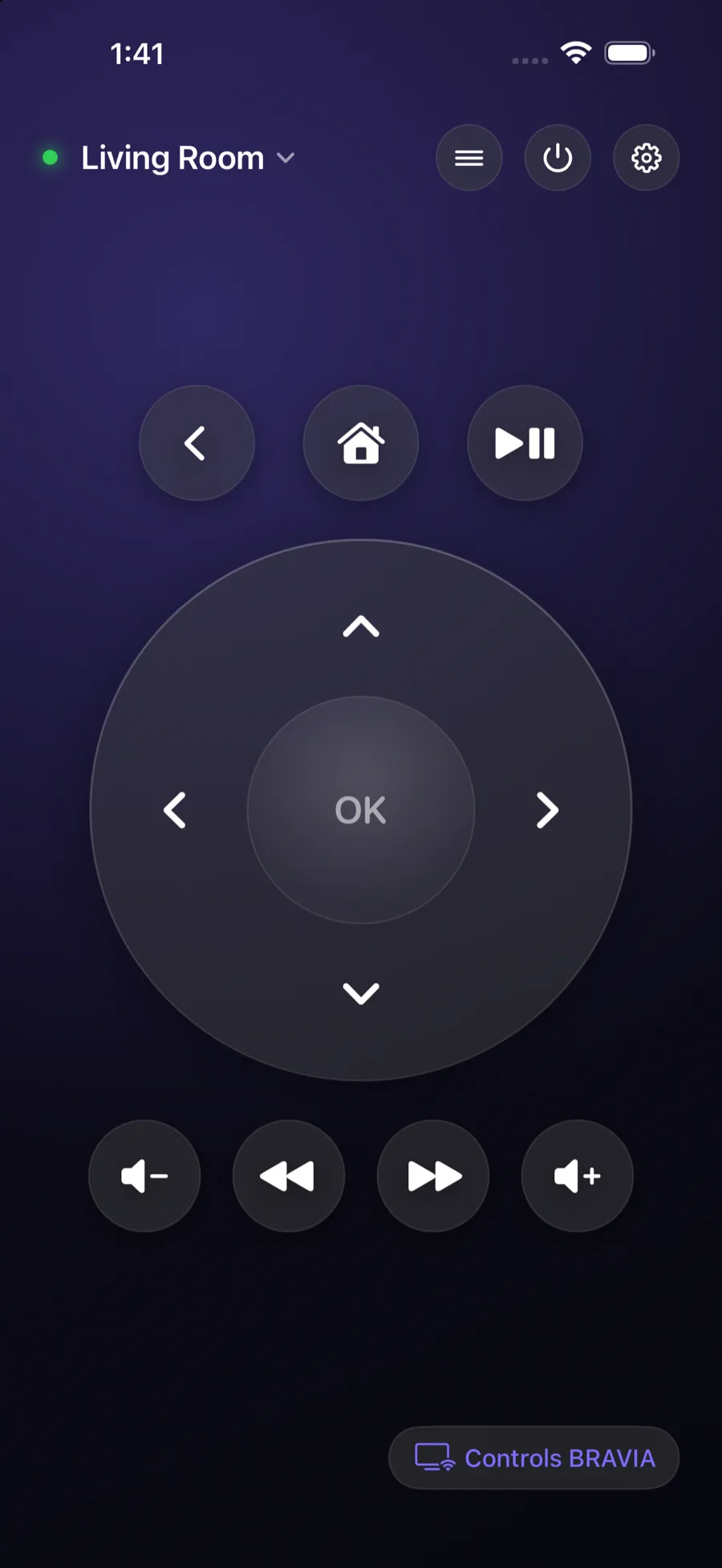
Every living room has two remotes: one for the Apple TV, and one for the television, because the Apple TV cannot reach the TV's volume, its inputs or its menus. ClickPad drives both from one screen, talking straight to each device over your own network. No account, no cloud, no hub.
iPhone and iPad · iOS 17 and later · $9.99 once
What it does
The volume button that actually works.
An Apple TV cannot change your television's volume, and it certainly cannot reach a soundbar or a receiver. That is why the Apple TV remote leaves you holding a second one.
Volume, properly
Two devices, one screen
Link an Apple TV to the set it is plugged into. Navigation goes to the Apple TV, while volume, mute and the TV's own menu go to the television. You stop thinking about which remote you are holding.
The menus Apple cannot reach
The television's own menu, inputs and picture settings, including the Action Menu on a Bravia, which is the button people miss most when they put the manufacturer's remote in a drawer.
Nothing in the middle
No account, no cloud, no hub. The app speaks each device's own protocol directly over your network. Nothing of ours sits in the path, and nothing leaves your home.
Devices
Pairs with what is already in the room.
Each one speaks its own private protocol. Support is per device, written and tested against real hardware rather than inferred from a spec.
Apple TV
4th generation and later. Full navigation, play and pause, and text entry without the on-screen keyboard.
Sony Bravia
2013 and later. Navigation, inputs, volume, power, and the Action Menu.
Samsung
Tizen sets, 2016 and later. Volume, mute, inputs, menus and playback.
Your set not here?
Ask from inside the app. That queue is what decides which television gets added next.
Pricing
Buy it once.
One purchase, both devices in the family, no renewal to forget about.
Lifetime
$9.99 once
Every remote and control in the app, permanently. Family Sharing is on, so the household is covered by one purchase.
What you get
Everything
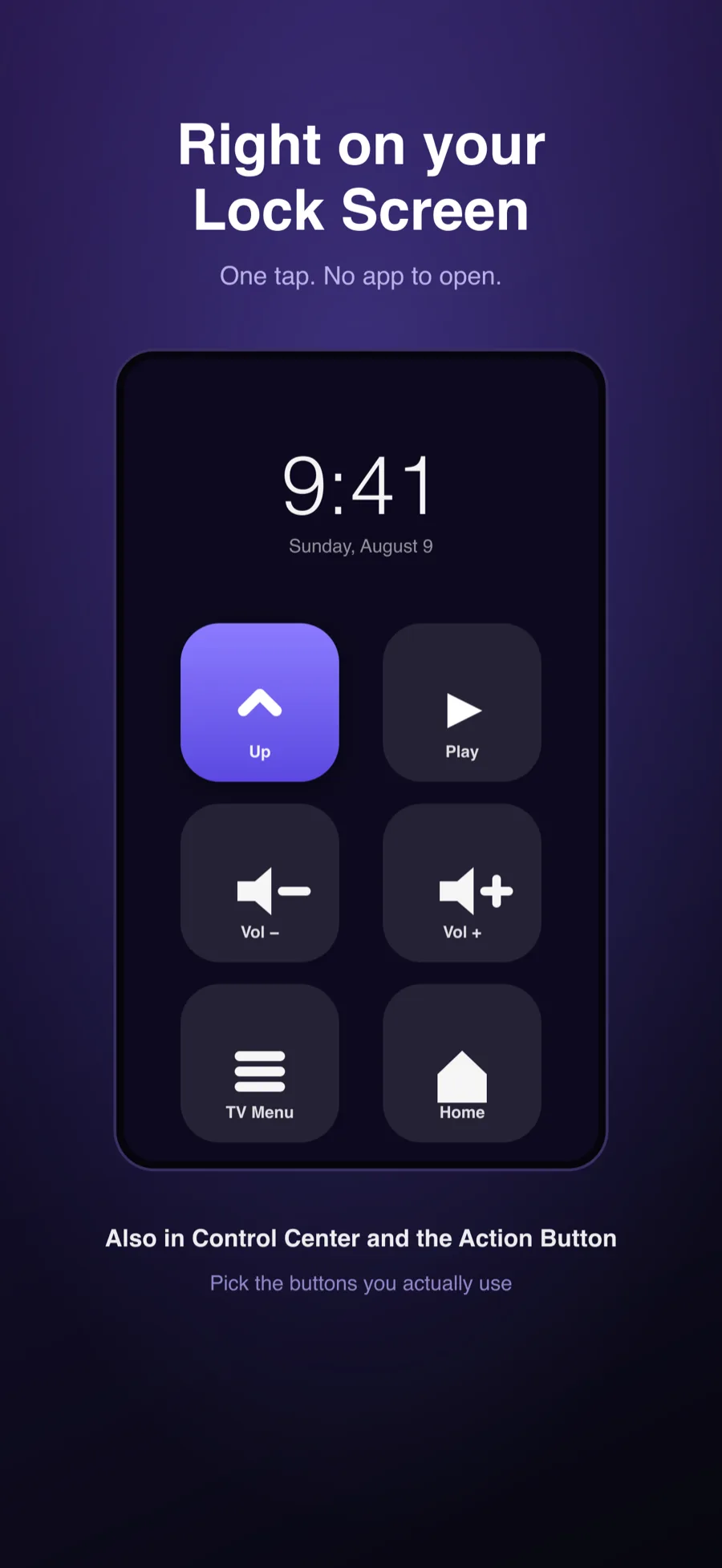
There is no lite tier and nothing is held back: the click wheel, volume, the television's menus, device linking, the Home Screen widget and the Lock Screen and Control Center buttons.
No advertising, and no data collection of any kind. ClickPad has no analytics, no tracking and no server of ours to send anything to. Device names and pairing credentials stay on your iPhone.